Built by @Satty-org on GitHub. This page was written by @iluxav from public sources, last updated for v0.22.0 (2026-08-03), and may lag behind new releases.
Get a notification with a thumbnail of the saved or copied image.
Details
New notification-thumbnail option; touchpad scroll pans and Ctrl+scroll zooms; discarding a crop moves from right-click to Ctrl+right-click; brush lines are round by default; text tool renders emoji and has outline and drop-shadow effects; clear-all can be undone.
v0.22.0; aarch64 Linux release builds added.
Behavior changed: Zoom into and pan around the screenshot while annot…Behavior changed: Crop a screenshot after taking it, in a fullscreen…Improved: Copy the annotated image to the clipboard or save i…Improved: Draw arrows, lines, rectangles, text, freehand stro…
Keep the clipboard updated with every edit, without pressing copy.
Details
early-exit now takes triggers (all, or a list of copy, save, save-as) and the experimental early-exit-save-as is removed. New --auto-copy, --title and --app-id; toolbars dock in windowed mode; image and crop dimensions shown in the toolbar; Save as prefills the name and remembers the folder. Groups v0.21.0 and v0.21.1.
v0.21.1. Packagers: shell completions are only written to completions/ with the ci-release Cargo feature.
Improved: Copy the annotated image to the clipboard or save i…Action required: Copy the annotated image to the clipboard or save i…Action requiredImproved: Crop a screenshot after taking it, in a fullscreen…
Zoom into and pan around a large screenshot while annotating.
Details
Pan and zoom (--zoom-factor, --pan-step-size), text moving and better text editing, digit keys pick a palette color, Delete clears the board, Ctrl+Alt+C copies the last saved file path, --resize and --input-scale set the window size. Flatpak builds.
v0.20.1; also as a Flatpak.
Added: Zoom into and pan around the screenshot while annot…Improved: Copy the annotated image to the clipboard or save i…Improved: Draw arrows, lines, rectangles, text, freehand stro…
Switch tools with single keys and pick a file name with a Save as button.
Details
Single-key and number-key tool shortcuts, a Save as button, --default-fill-shapes, --focus-toggles-toolbars, CSS overrides and a minimum window size; ~/ in paths expands to the home directory.
v0.20.0.
Improved: Draw arrows, lines, rectangles, text, freehand stro…Improved: Copy the annotated image to the clipboard or save i…
Choose what Enter, Escape and right-click do: copy, save, exit, or several of them.
Details
New --actions-on-enter, --actions-on-escape and --actions-on-right-click take a list of save-to-clipboard, save-to-file and exit; --right-click-copy (v0.17.0) and --action-on-enter are now to be replaced by them. --output-filename - writes to stdout. Groups v0.17.0 to v0.19.0.
Also: Layout-independent shortcuts; annotation size set from the UI; Alt for centered ellipses and rectangles; reset all edits; --no-window-decoration; experimental brush smoothing.
v0.19.0.
Improved: Copy the annotated image to the clipboard or save i…Deprecated: Copy the annotated image to the clipboard or save i…Improved: Blur parts of a screenshot to hide passwords, names…
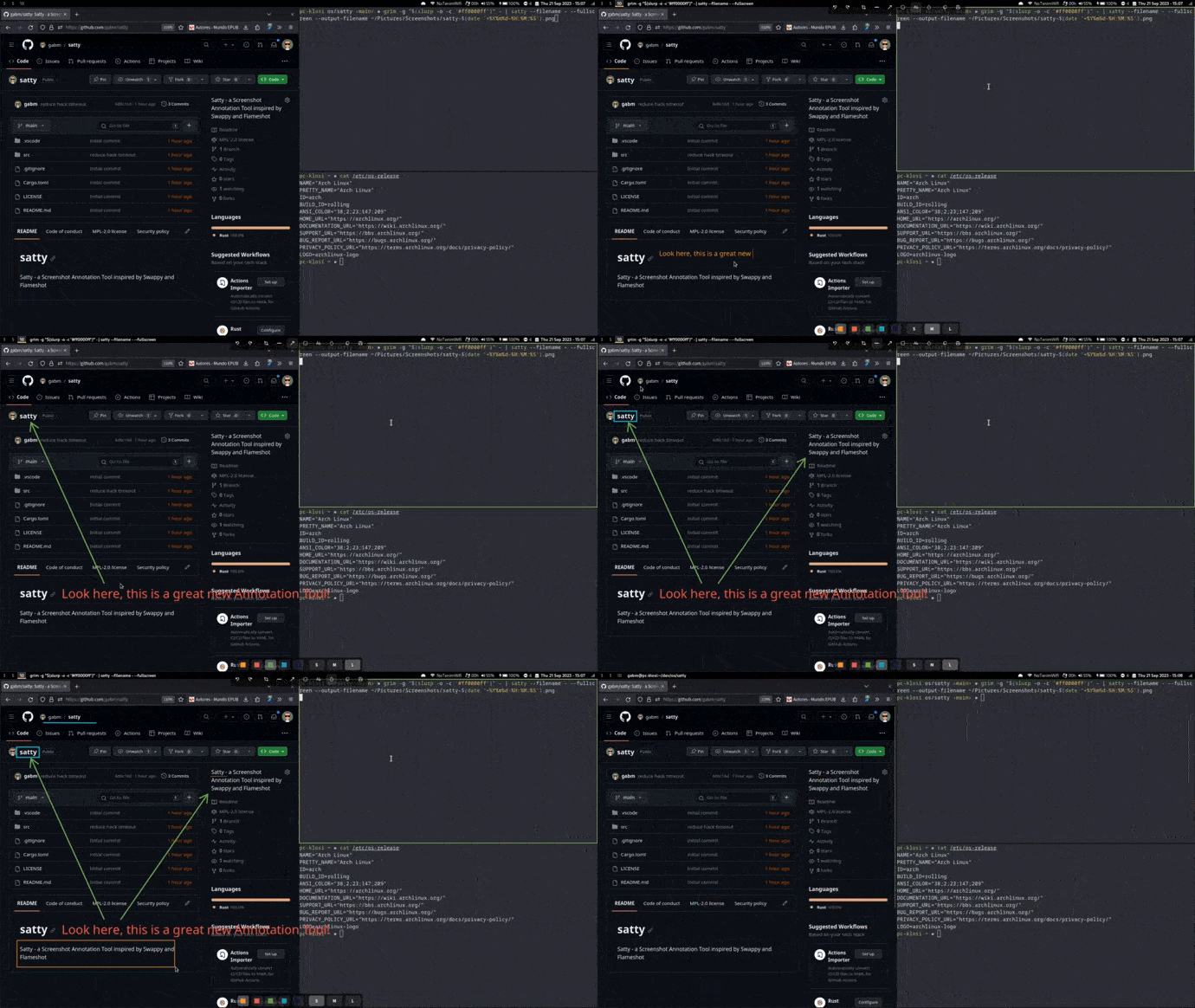
Annotate a screenshot with arrows, boxes, text and blur, then copy or save it.
Details
State at v0.15.0: satty --filename <file or -> opens an image or a screenshot from stdin; tools pointer, crop, line, arrow, rectangle, ellipse, text, marker, blur, highlight and brush; configured in ~/.config/satty/config.toml or with command-line flags.
Packaged for Arch, Alpine, Gentoo (Guru) and others; prebuilt x86-64 binaries on the releases page; build from source with GTK 4 and libadwaita.
Added: Draw arrows, lines, rectangles, text, freehand stro…Added: Crop a screenshot after taking it, in a fullscreen…Added: Blur parts of a screenshot to hide passwords, names…Added: Place numbered markers to label steps on a screensh…Added: Copy the annotated image to the clipboard or save i…