Back up your home folder, or several folders, on a schedule to an external drive, a NAS over SFTP or cloud storage.
Good to know
Needs restic; any repository restic or rclone can reach. A missing source folder stops the backup.
Scheduled restic backups with a bar icon and a restore browser
Built by @jankeesvw on GitHub. This page was written by @iluxav from public sources, last updated for 94bc1ce (2026-09-06), and may lag behind new releases.
Maintain Time Machine? Claim itBack up your home folder every night to a drive, NAS or cloud bucket with restic, see in the Omarchy bar when it last worked, and restore files from any day.
Needs restic; any repository restic or rclone can reach. A missing source folder stops the backup.
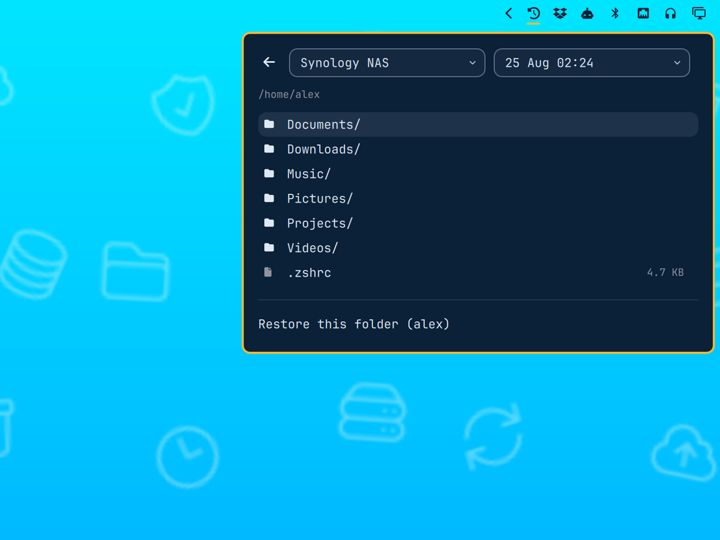
Restores never overwrite current files; you move them into place yourself.
The password is stored inside the home folder being backed up; without a copy elsewhere the backups cannot be opened after losing the machine.
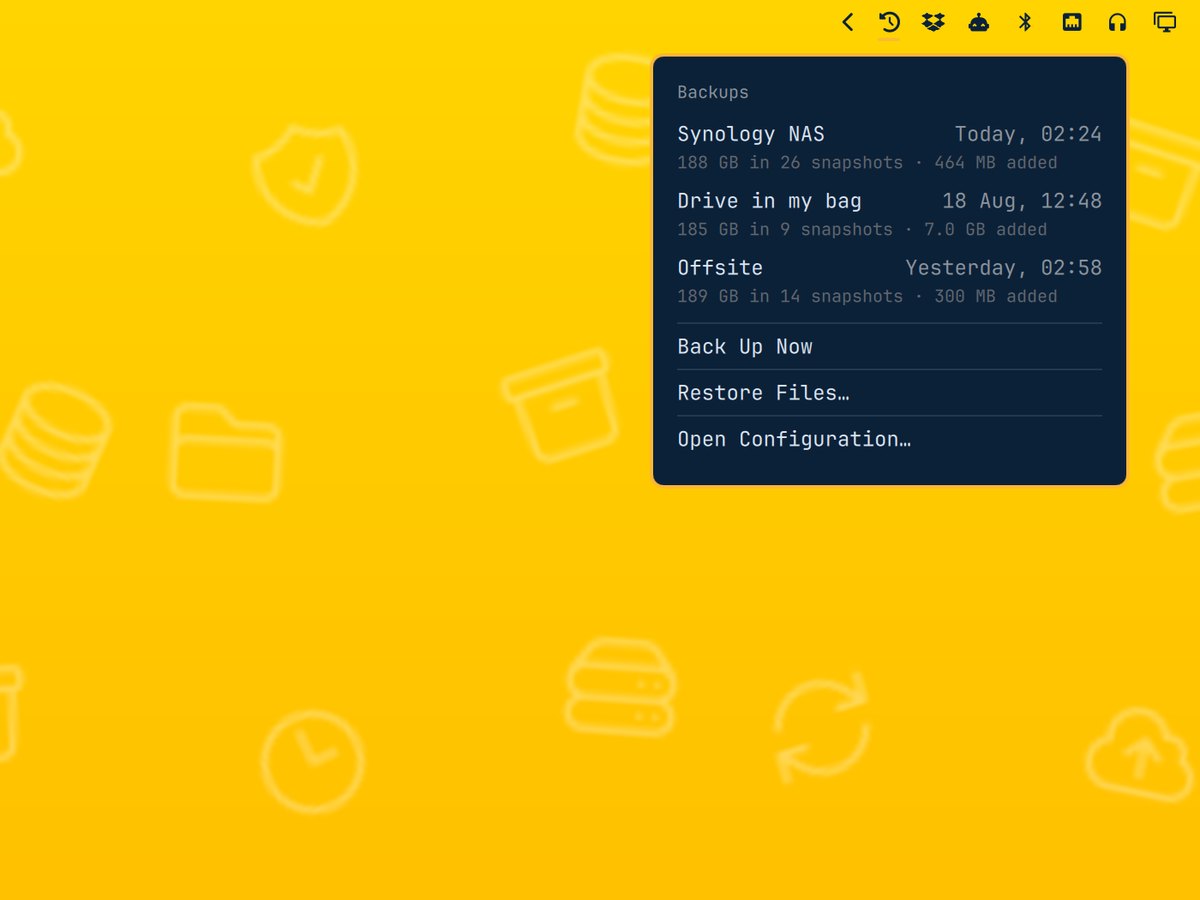
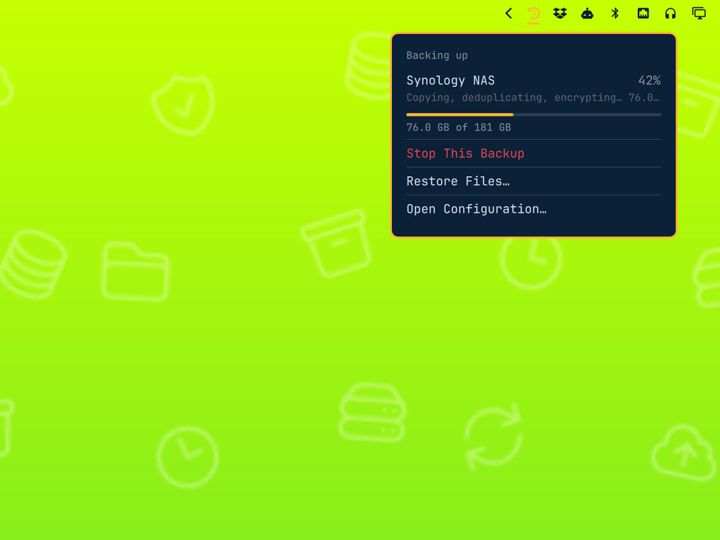
An Omarchy bar widget (jankeesvw.time-machine) over restic: destinations in a JSON config with a systemd schedule each, a panel with the last good and last failed backup, a restore browser, and a command line at ~/.config/omarchy/plugins/jankeesvw.time-machine/bin/omarchy-time-machine (key set, init, install, backup, log, check, destinations).
Also: pre_command to wake a drive or NAS first; on_failure_command; 24-hour or AM/PM time in the bar.
No tagged releases; install with omarchy plugin add https://github.com/jankeesvw/omarchy-time-machine. Needs restic (sudo pacman -S restic).
Seeded by @iluxav with Claude Code (canido)